Learning Design, Software Simulation, and Experiential Learning
Creating and Managing a Trello Board
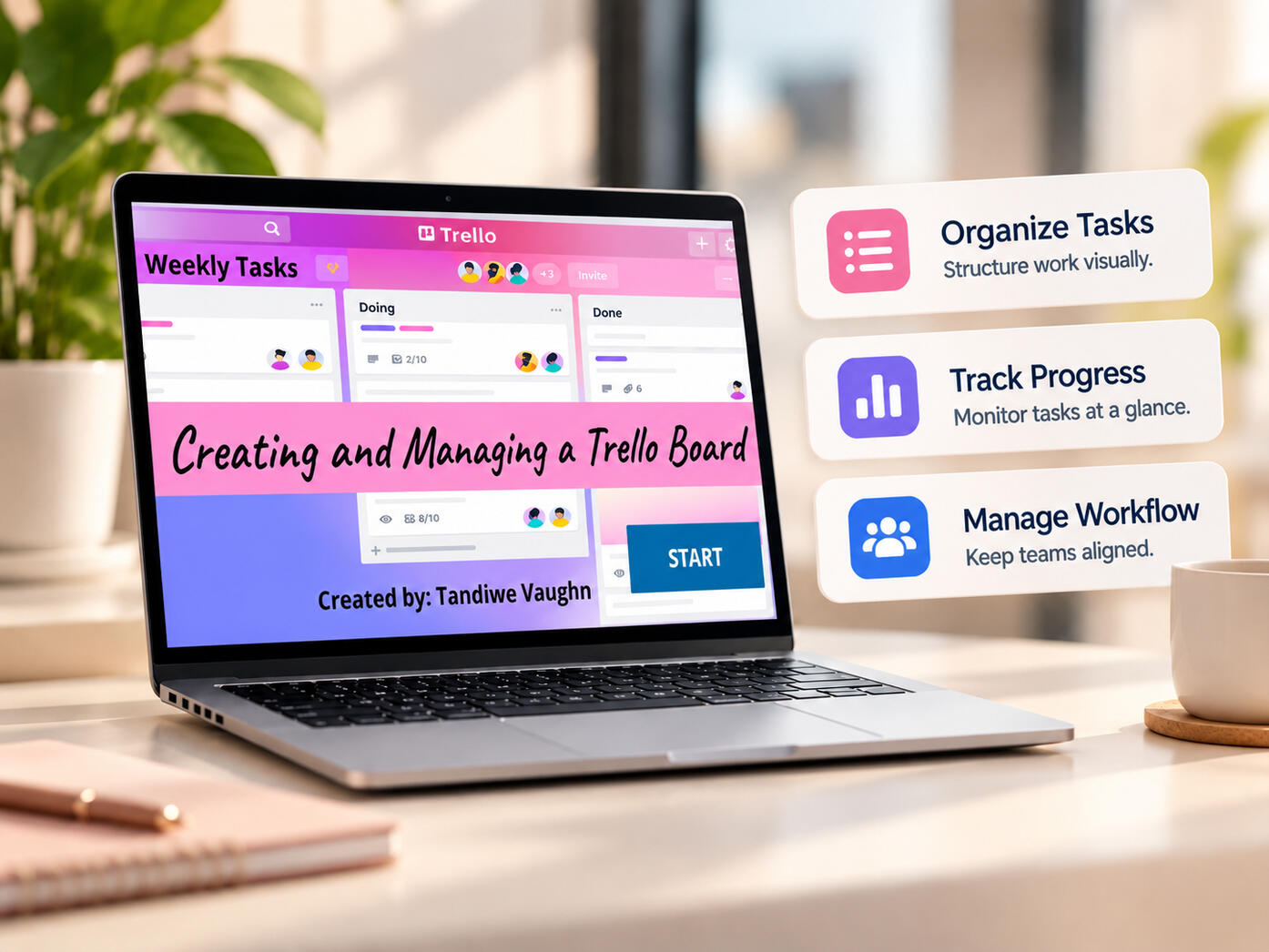
An interactive software simulation demonstrating how to create and manage a Trello board through a scaffolded, hands-on experience.
Project overview
An interactive software simulation demonstrating how to create and manage a Trello board through a scaffolded, hands-on experience.
The purpose
To demonstrate the possibilities of software training through three instructional modes: View, Try, and Test.
My approach
I implemented a scaffolded learning experience built around three progressive stages that allow learners to observe a process, practice the steps, and test their ability to complete tasks within a simulated software environment.
What to look for
- View mode lets learners watch the full process before they are asked to do anything.
- Try mode gives guided practice with feedback inside the simulated environment.
- Test mode asks learners to complete the same tasks without prompts, so the practice is checked rather than assumed.
- The scaffolding is the design point: observe, practise, then perform, which is how software confidence is actually built.
Try it yourself
The project runs in the browser and needs no login. Launch it, work through the sample the way a learner would, and judge the experience from the inside.